
Select text.
Improve it instantly.
Avelyn lives in your menu bar. Highlight anywhere, hit your shortcut, and rewrite your text using local models or secure cloud APIs.
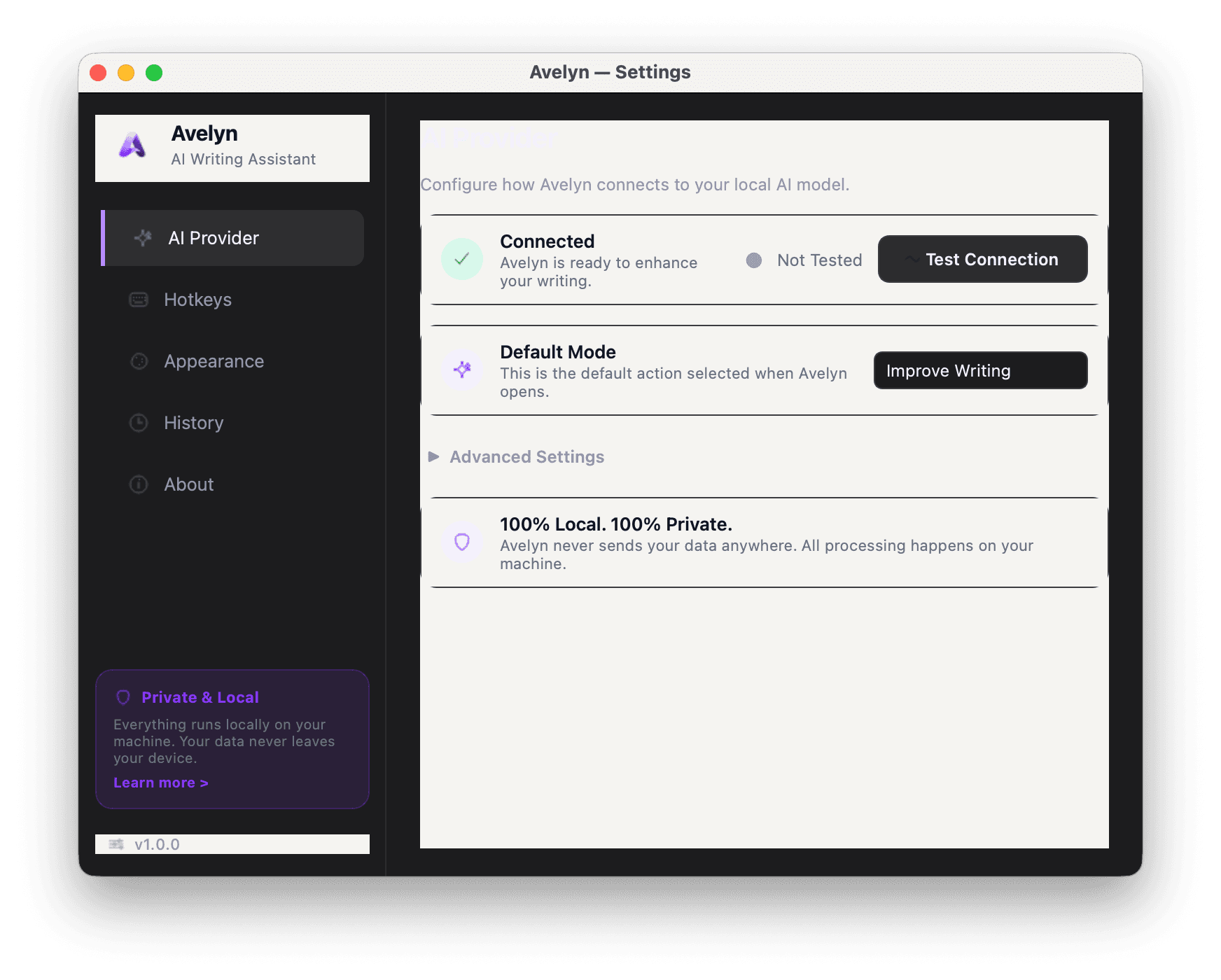
Everything you need.
Nothing you don't.
Hybrid Privacy.
Local & Cloud AI.
Your data is fully under your control. Run open-weights models locally via Ollama with zero telemetry, or connect securely to cloud endpoints using password-masked keys.
Lightning Fast
Highlight any text, anywhere. Hit Ctrl+Shift+E and Avelyn replaces it instantly.
Smart Router
Intelligently routes tasks to local Ollama or cloud providers based on task classification and text length.
Polished Prose
Fix awkward phrasing, upgrade your vocabulary, and tighten sentences for maximum impact.
Universal Integration
Functions flawlessly across VS Code, Chrome, Word, Slack, Notion, and literally any editable text interface system-wide.
Smart Fallbacks
Automatic, cascading failover to alternate providers to ensure your workflow is never interrupted.
Silent Fixes
Correct spelling, fix complex syntax, and enforce formatting rules in the background.
See the Workflow in Action
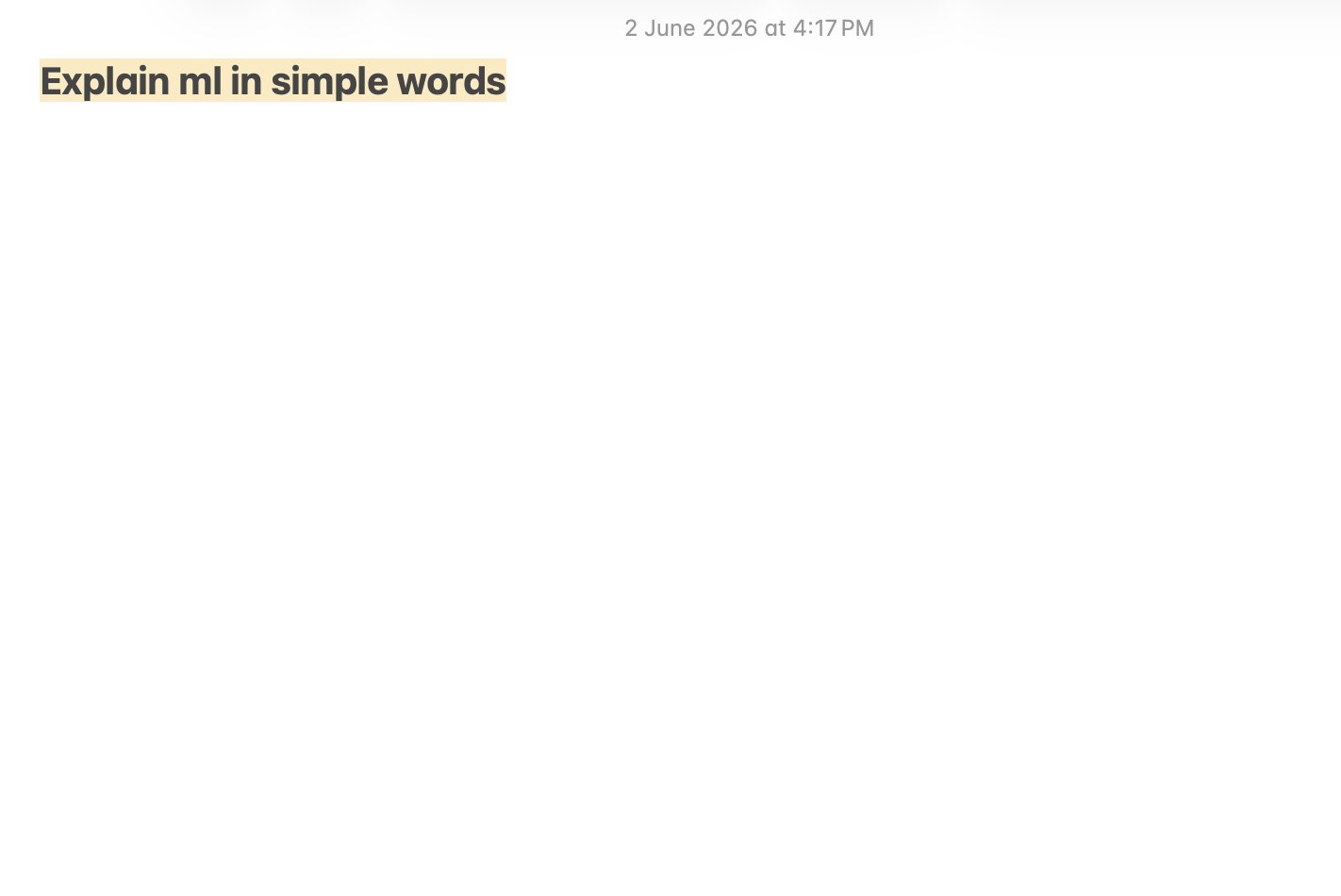
01.Highlight Any Text Block
Select the text you want to rewrite or enhance. Works natively across Safari, Chrome, Slack, Notion, Word, and VS Code without any extensions.
Feels like it belongs
on your Mac.
Take a closer look at the actual product layout, designed to blend seamlessly with macOS Sonoma & Sequoia.
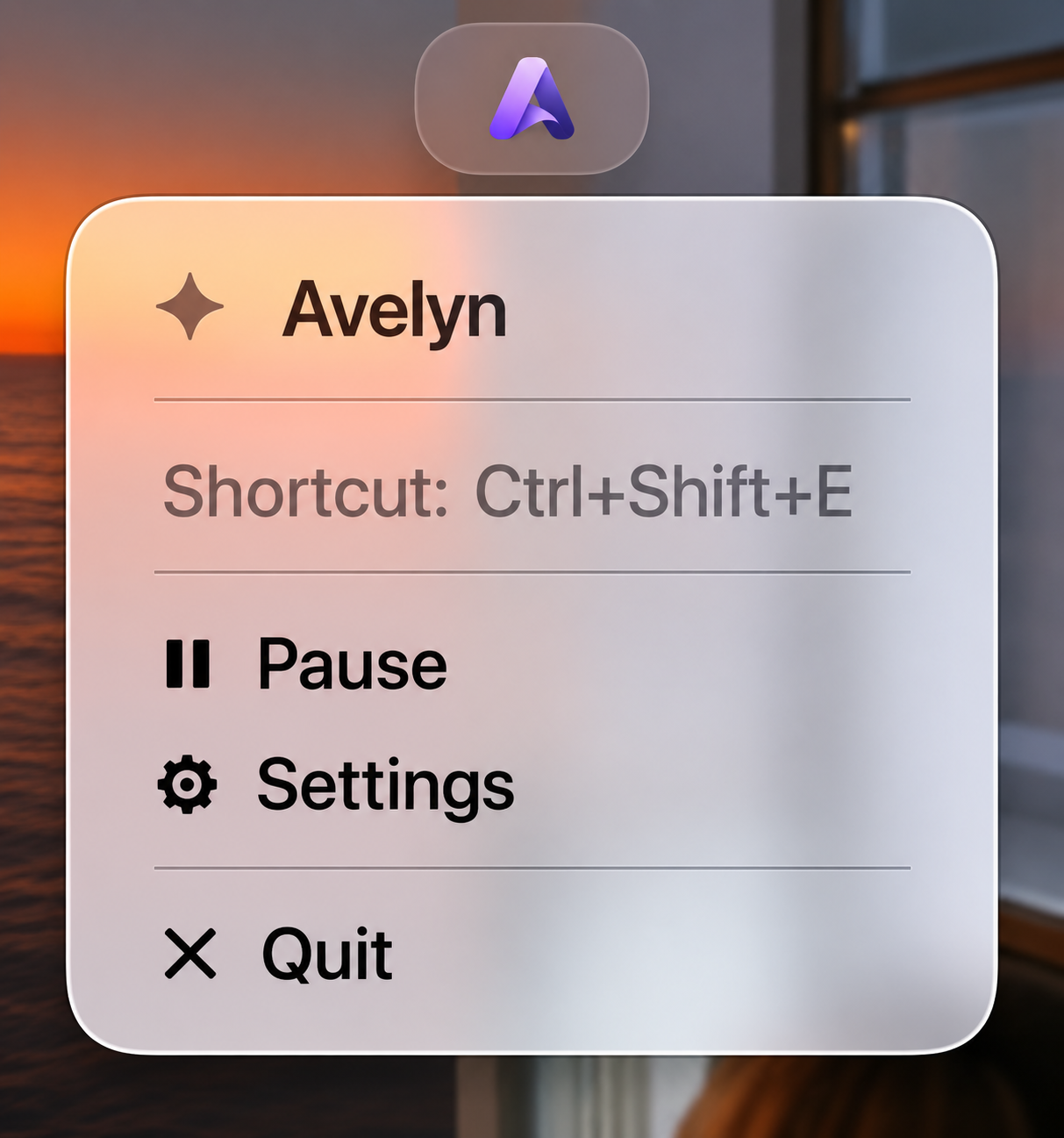
Zero-Intrusion
Menu Bar Experience
Avelyn operates entirely in the background, living in your macOS Menu Bar. Trigger it with a keystroke, adjust settings in two clicks, and keep your screen 100% focused on your actual work.
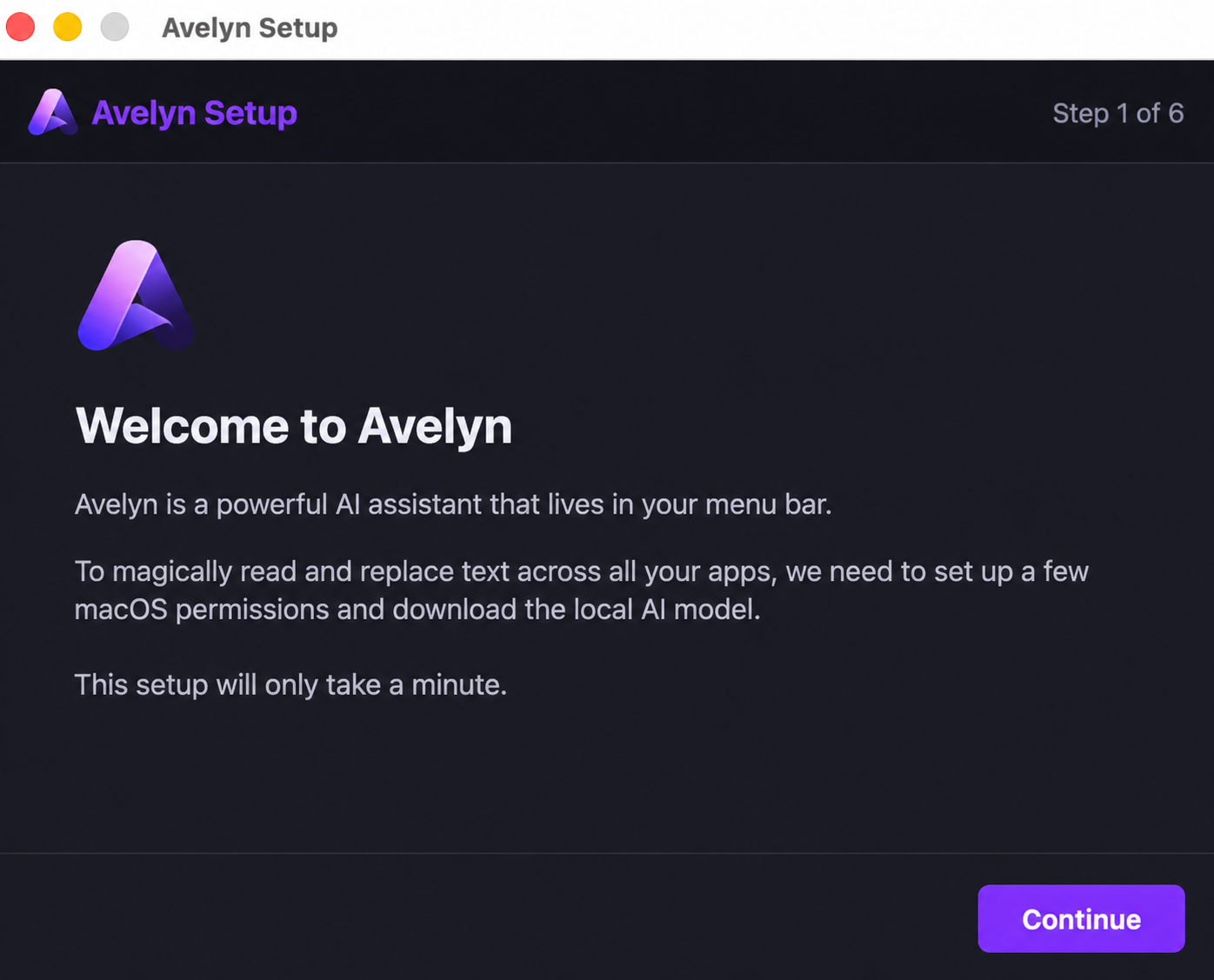
First-Run
Setup Wizard
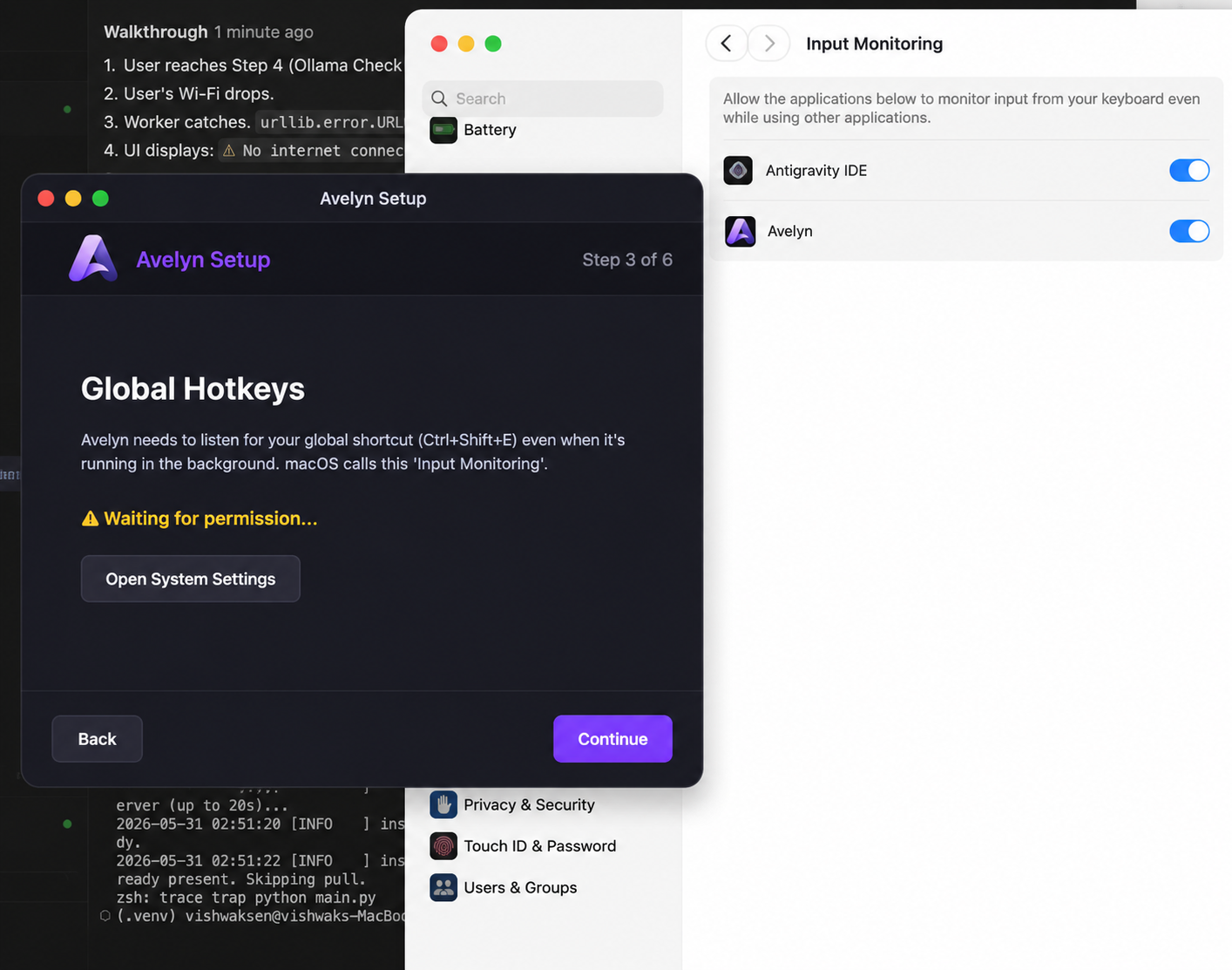
Getting started with local offline AI should be simple. A premium, step-by-step setup wizard guides you perfectly through model selection and global hotkey preferences.
Self-Healing
Permission Assistant
No more troubleshooting terminal commands. Avelyn features a native helper to assist you with macOS Accessibility and Input permissions so global paste events function securely.
Your data stays
strictly on your machine.
Modern AI tools depend on cloud pipelines that log, inspect, and train on your private thoughts. Avelyn turns this model on its head by computing everything locally.
Zero Analytics & Telemetry
No crash logs, tracking scripts, or analytics are sent to the cloud. Your selected text and clipboard history remain completely private.
Local Offline Defaults
Keep your workflow 100% offline via Local Ollama. Essential for high-security workplace policies and air-gapped workstations.
API Key Masking & Security
Cloud integrations utilize secure, local-only configuration files. All active API keys are fully masked with bullet points in the UI.
Frequently Asked
Questions
Yes, 100%. When configured with Local Ollama, Avelyn performs all LLM calculations locally on your CPU or GPU without requiring an internet connection. It is ideal for air-gapped systems or secure environments.
Experience the
future of writing.
We are running a limited-enrollment private beta to polish offline performance and native macOS window mechanics. Request your access token below.
v1.0.0-beta4
Sonoma & Sequoia window focus stability patches deployed.
v1.1.0-RC1
Local Ollama token streaming speed increased by ~25%.
"Completely replaces web dashboards for me."
Having a local, offline assistant that lives natively inside the macOS clipboard stack is a game-changer. The inference latency on Apple Silicon is extremely impressive.